
eLearning interactivity glossary
Learn about the various eLearning interactivities and discover which components, at which level, are best for your courses and online training objectives.

-
 360° virtual tours
Turn a series of images into a 360° virtual tour, providing learners an immersive experience of unfamiliar environments.
View interactivity
360° virtual tours
Turn a series of images into a 360° virtual tour, providing learners an immersive experience of unfamiliar environments.
View interactivity
-
 Animated explainer videos
 bring movement to larger concepts and can walk learners through complex content telling a story they can connect with.
View interactivity
Animated explainer videos
Animated explainer videos bring movement to larger concepts and can walk learners through complex content telling a story they can connect with.
View interactivity
-
 Animation
Use animation in your course to help make instructional material relatable and relevant with engaging storytelling and visuals.
View interactivity
Animation
Use animation in your course to help make instructional material relatable and relevant with engaging storytelling and visuals.
View interactivity
-
 Character avatars
Avatars help to engage learners, provide a visual presence, and deliver information in a friendly and interactive manner.
View interactivity
Character avatars
Avatars help to engage learners, provide a visual presence, and deliver information in a friendly and interactive manner.
View interactivity
-
 Click-to-reveal
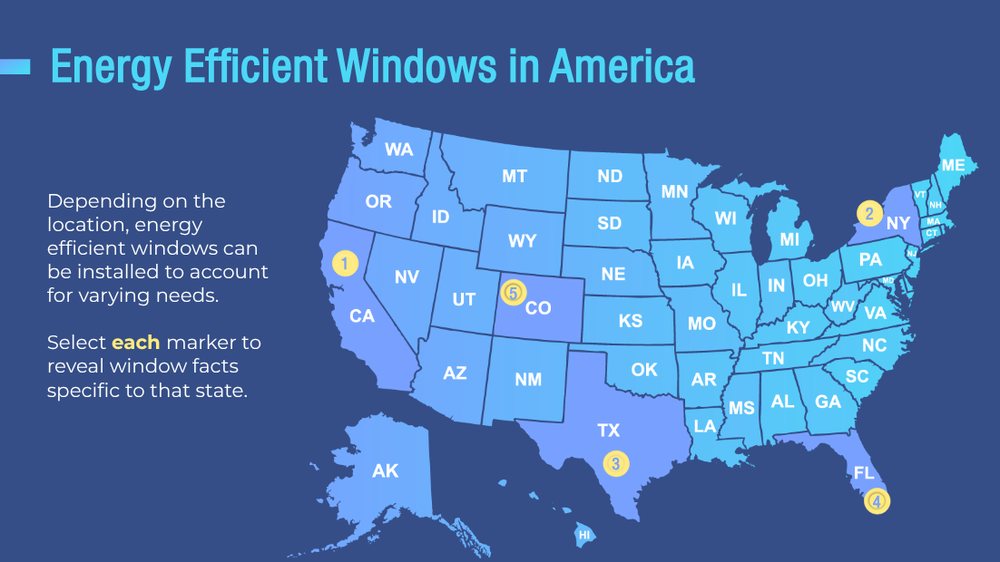
Use click-to-reveal interactivities to organize content-heavy course slides with timelines, tabs, and more.
View interactivity
Click-to-reveal
Use click-to-reveal interactivities to organize content-heavy course slides with timelines, tabs, and more.
View interactivity
-
 Drag-and-drop
Engage learners with drag-and-drop activities, encouraging them to make logical associations between draggable elements.
View interactivity
Drag-and-drop
Engage learners with drag-and-drop activities, encouraging them to make logical associations between draggable elements.
View interactivity
-
 Fill-in-the-blank
Include fill-in-the-blank questions to test learner understanding by measuring specific knowledge.
View interactivity
Fill-in-the-blank
Include fill-in-the-blank questions to test learner understanding by measuring specific knowledge.
View interactivity
-
 Flashcards
Stimulate your learners' visual memory and help them retain knowledge using flashcards.
View interactivity
Flashcards
Stimulate your learners' visual memory and help them retain knowledge using flashcards.
View interactivity
-
-
 Matching
Assess learner comprehension and recall while reducing the ability to easily guess answers with matching activities.
View interactivity
Matching
Assess learner comprehension and recall while reducing the ability to easily guess answers with matching activities.
View interactivity

Free consulting session
Get free instructional design consulting, including tailored recommendations, for your next project.
What are design levels?
Our Custom Learning team offers three design levels of eLearning interactivity. From the simplest at Level 1, to the most complex at Level 3, there are eLearning interactivities to suit every learning need and budget. Use the chart below to compare and contrast the differences between each design level.
| Level 1 | Level 2 | Level 3 | |
|---|---|---|---|
| Learning goal focus | Introducing core knowledge concepts such as passing information to the learners using mostly linear navigation with limited interactive elements. | Supporting learners in more complex learning objectives including helping them analyze and apply what they have learned. | Providing learners custom or gamified learning experiences to support learning outcomes such as evaluating, problem solving, decision making and creating. |
| Design | Basic design including standard layouts and visuals with static images and basic infographics. | Custom designs with varied standard layouts, animations, and more complex interactions. | Completely custom design and learner experience tailored to the learner needs and desired outcomes. |
| Interactivity percentage | 1-10% | 40-60% | 80-100% |
| Interactions | Basic interactions including simple click to explore elements, true/false, multiple choice, and multiple select questions. | More complex interactions such as timelines, sliders, hotspots, interactive images and videos, matching activities, and simple scenarios. | Custom layouts, images, and interactions such as complex branched scenarios, software simulations, and gamified experiences. |
| Usage examples | Courses delivering general awareness such as policy updates or regulations. | eLearning activities requiring practice to internalize concepts such as process or soft skills training. | Immersive experiences such as virtual field trips, mission simulations, and creative problem-solving training that foster deeper understanding and provide real-world applications of the materials. |
| Considerations | This level risks feeling like eTextbooks if relying on lengthy readings. Consider Level 2 or 3 for enhanced interactivity for lengthy or higher level learning outcomes. | Keep interactions focused and as intentional supports for learning outcomes. Unnecessary interactivity may be too high-tech or mentally taxing for some audiences. | This level of customization requires more effort and resources, and meeting accessibility guidelines may prove more challenging to achieve. |
How can we help make your courses interactive?
Tell us what you're working on and we'll suggest where to start. We reply within three business hours.

Hello, I'm Sonia, and I'm here to help you.
SMB Sales

Hello, I'm Josh, and I'm here to help you.
Senior Sales Director

Hello, I'm Philip, and I'm here to help you.
Senior Sales Director

Hello, I'm Alan, and I'm here to help you.
Account Manager

Hello, I'm Jennifer, and I'm here to help you.
Leader, Custom Learning Team

Hello, I'm Brayden, and I'm here to help you.
Senior Sales Director